In the office, "minor" problems are not minor: the printer jams right before a bid, the scanner loses quality, and the copier leaves black lines. Missed deadlines and reprints cost money and nerves. The good news: with proper office equipment service and clear maintenance, you can restore the team's rhythm—without unnecessary pauses and hidden costs.
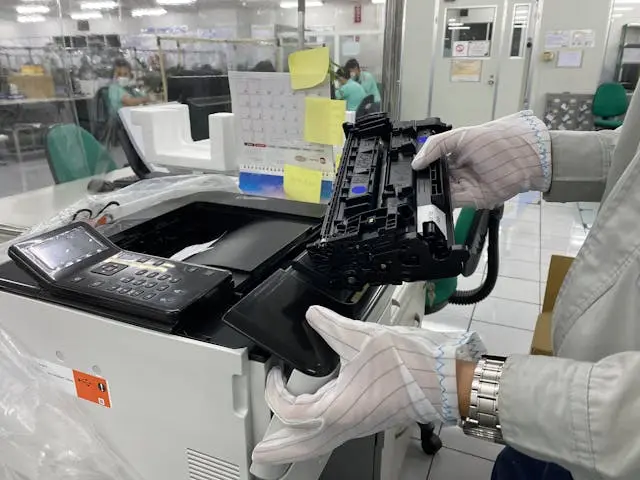
What equipment do most services cover
• Printers and MFPs (laser/inkjet): printer repair, drum/fuser replacement, rollers, separators, cleaning of optics;
• Copy machines: repair of copy machines, calibration, removal of "ghosting"/lines;
• Scanners: calibration, cleaning of glass/rollers, lamp replacement;
• Faxes/intercoms/POS printers (in some teams);
• Network configuration: adding a printer to a domain/VLAN, permissions, scanning to email/folder.
💡 Tip: If the equipment is under warranty, check the terms—sometimes maintenance outside of an authorized service center voids it.
Common symptoms and what they mean
• The paper jams → worn rolls/separators, contaminated paper path;
• Black/gray lines → drum/fuser, toner-spreading, dirty optics;
• Faded print/spots → low toner, dirty contacts, incorrect mode;
• Noise/squeaking → bearings/gears;
• Chessboard scanning → calibration/light/rollers;
• Scanning to email does not start → SMTP/port/access, certificates, network rules.
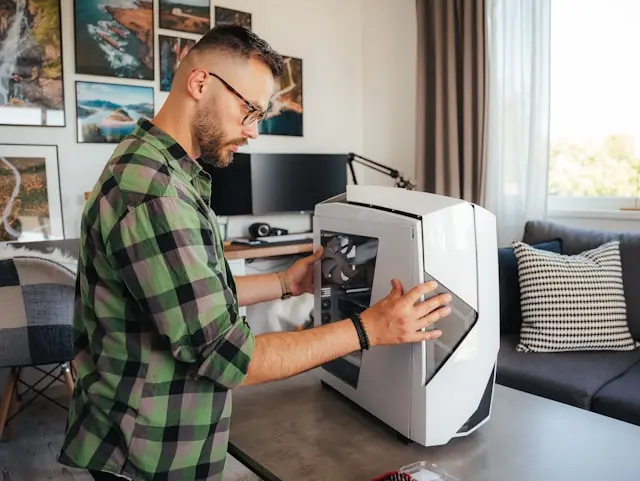
The true cost of "bad" repair
Service errors are rarely just "one more visit." They lead to:
• Recurrent defects (unchanged consumables, partial cleaning) → more downtime;
• Expensive damages (e.g., a overheated fuser after incorrect installation) → double price;
• Loss of labor hours — when the team is waiting for stamping/scanning;
• Security risks — improperly configured permissions/scanning to public folders.
To avoid this, start with a clear specification and questions.
Useful frame:
10 important questions to ask the contractor before the project begins
How does good service work
1. Diagnostics and tests: counter, error logs, test pages, consumables assessment;
2. Plan and offer: necessary parts (rollers, drum/fuser), time and final price;
3. Cleaning and replacement: paper path, optics, scanning module;
4. Network settings: IP/DNS, scanning to email/folder, department permissions;
5. Testing and training: user demo, basic maintenance, checklist.
✅ Good practice: request a brief protocol: what has been changed/cleaned, how many test copies there are, and when it is advisable to perform the next maintenance.
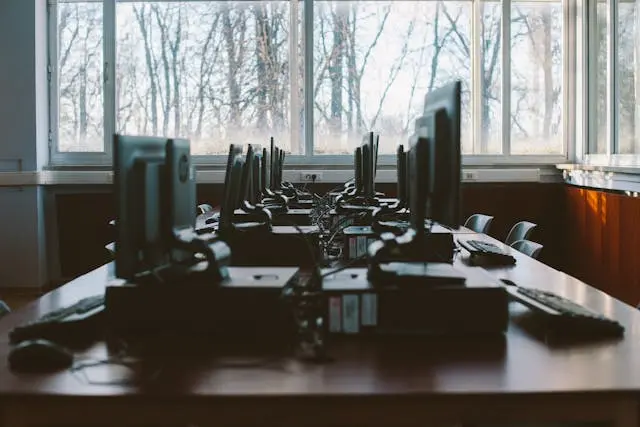
How to Compare Offers Fairly
• Coverage: device/model, number of machines, onsite/workshop;
• Parts and labor: are rollers, drum, fuser included, is there a warranty for the parts;
• Timelines: response time (SLA), parts availability;
• Network: is the scanning and permissions setting/test enabled;
• Documentation: protocol + recommendations for prevention, user training.
Useful reading: Home DIY – Electrician: everything you need to know
Prevention: the cheapest "repair"
• Cleaning the paper path and optics every X thousand pages;
• Replacement due to wear (rollers/separators/belts), not in case of "total failure";
• Quality of consumables — toner/photo components from a single manufacturer;
• Ventilation/Power Supply — The multifunction printer is not a filing cabinet; stable outlet/UPS for sensitive devices;
• Network policies — role-based access, scanning logs.
Mini case: "lines on the print before the deadline"
The marketing department releases 200 brochures and dark lines appear. Diagnosis: worn drum, contaminated optics, rollers below minimum. Solution: replace drum/clean optics, maintenance of rollers, quality adjustment. Result: clean printing, faster output, and fewer paper jams in the following weeks.
FAQ
How long does it take? Minor repairs: 1–2 hours onsite; replacement of fuser/module — depending on model/availability.
Is there any point in a subscription? Yes, if you have more than 2-3 machines and continuous printing—maintenance reduces downtime and toner costs.
Is calibration necessary after repair? Yes—especially for multifunction devices/scanners for documents and graphics.
Conclusion: light, silence, safety
The office operates better when the technology is predictable. With proper maintenance of office equipment, clear SLAs, and preventive measures, you save on downtime, nerves, and unnecessary expenses. Choose teams that provide a plan, protocol, and guarantee—and handle the network part as well, not just the mechanics.