“A smart home” is not just about turning on the light from your phone. It’s a comprehensive approach: planning wiring and low-voltage systems, a stable network, safety, discreet installations, and a clean finish. This way, you achieve comfort, lower energy consumption, and higher property value—without living in a “cable maze.” In this guide: how to plan, which activities are critical, typical mistakes, and how to compare offers.
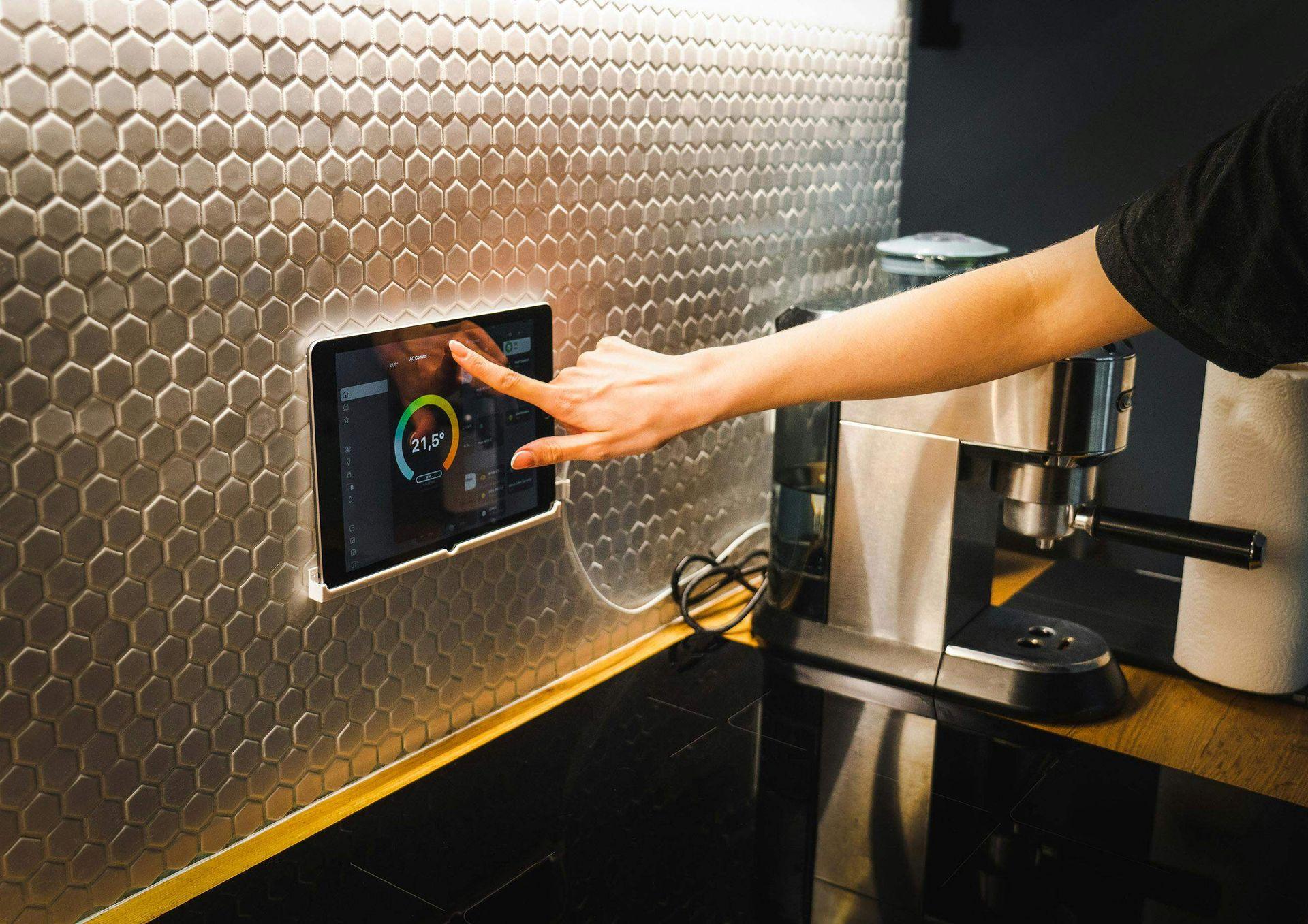
What does a "smart home" really include?
• Smart lighting and scenarios (morning/evening/outside the home).
• Sensors and automation (motion, doors/windows, leaks).
• Climate and energy (thermostats, heating/air conditioning control).
• Security (video surveillance, alarm scenarios, intercom).
• Network and coverage (stable Wi-Fi/ethernet points for stationary equipment).
💡 For a discreet result, it is often necessary to install drywall for channels and niches, make adjustments to plaster, and provide final painting services.
Planning without surprises: from blueprint to finish
1. Describe the scenarios: what do you want to happen in the kitchen, living room, and bedroom?
2. Map of points: lighting circles, switches, sensors, cameras, router/switch.
3. Power supply and low voltage: separate circuits; if possible, ethernet in rooms with continuous streams.
4. Integrations: voice assistants, application, remote access.
5. Finish: concealing tracks (niches, suspended ceilings), restoring plaster, puttying, and painting.
Useful reading: Why do the services at Ofertirai.me start with a question instead of a fixed offer? — The correct specification is half the project.
Comfort is not just technology: silence, light, air
The good "smart home" is both quiet and well-lit. Soundproofing in the bedroom/nursery and proper lighting scenes reduce stress and improve sleep. In the living room, plan for dimmable zones; in the hallway — motion sensors. If a major renovation is upcoming, invest in pre-installed niches and cable ducts — they save future demolition work.
Myth / Fact
Myth: "Enough with Wi-Fi and smart bulbs — nothing else is needed."
Fact: for video, cameras, and NAS, wired Ethernet is more reliable; Wi-Fi serves as a supplement.

Most Common Mistakes (and How to Avoid Them)
• No network plan. One router "behind the TV" is not enough. Consider access points.
• Random devices from different ecosystems. Choose a platform/hub and follow it.
• Cables "along the baseboard." Plan for concealment (niche, drywall installation) and finish with plaster.
• No reserve for expansion. Leave empty channels and free ports.
• Security is at stake. Cameras without reliable power/network = compromised recordings.
More on the topic: 10 important questions to ask the contractor before starting the project — ready checklist for offers.
How long and what determines the price
• Scope: number of rooms, points (keys, sensors, cameras), integrations.
• Infrastructure: are there any routes, are corrections needed for plastering, installation of drywall, relocation of lighting lines.
• Equipment: central hub or local logic, PoE for cameras, UPS.
• Finish: painting services, covers, decorative panels.
• Testing and setup: scenes, automations, access, and roles for family members.
Compare offers not only by price but also by stages, materials, warranty, and support (updates, remote diagnostics).
Mini case: living room + workspace
Client with hybrid work and a small child. The solution: zoned lighting (reader/screen/play), motion sensors in the hallway, a quieter home through basic sound insulation of a shared wall. The cables are hidden with a shallow niche and painting services for the finish. Result: less overwhelm, more regular sleep, and better concentration during the day.
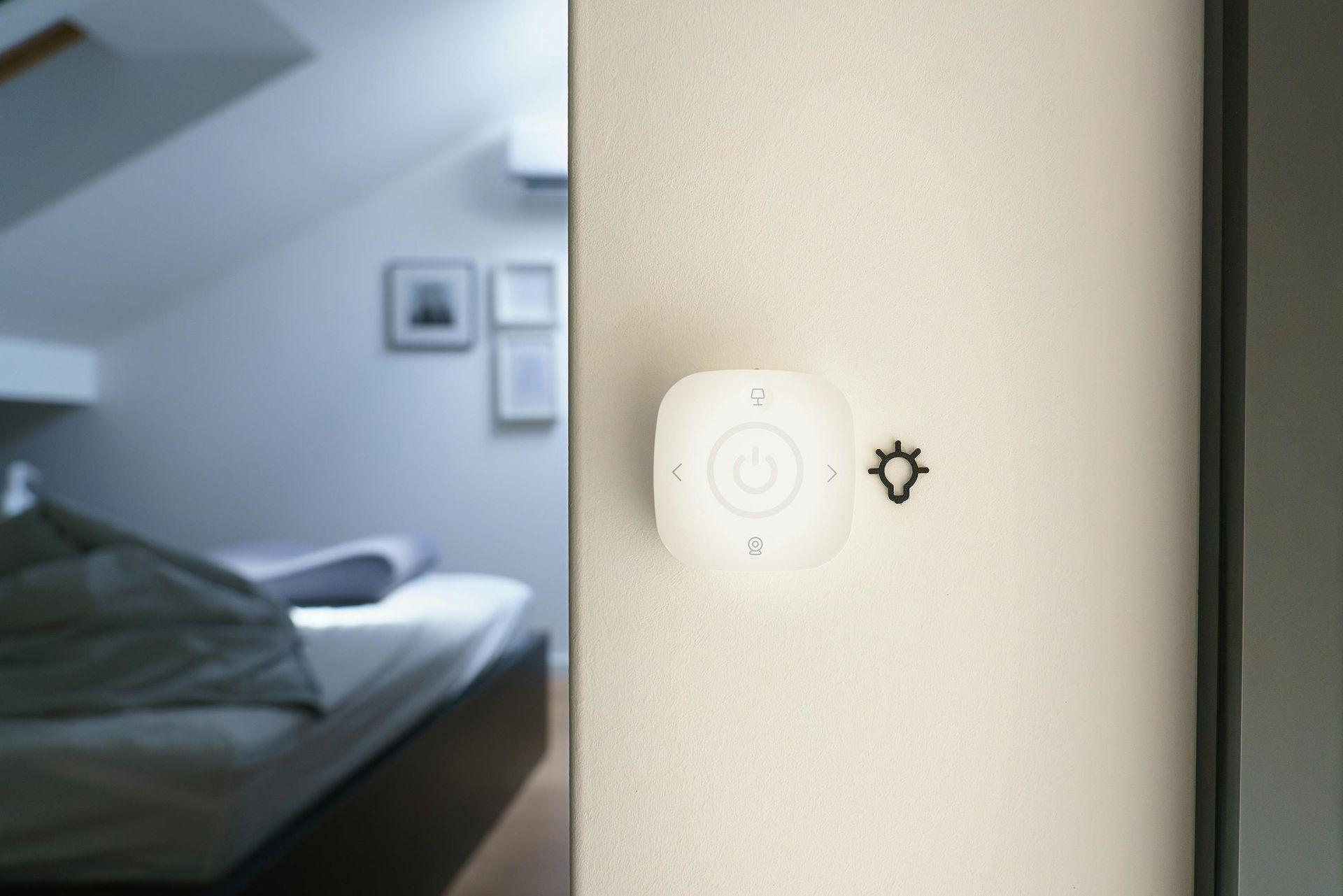
How to Compare Offers Fairly
Request a breakdown: a list of items (photo/sketch), scenario diagram, brands and warranty of the equipment, corrections to plastering and drywall installation, finish (putty/paint), setup and training time. Inquire about reserves (available channels/ports) and how to add new devices without repairs.
⚠️ Warning: "universal kits" without inspection and planning often lead to cables in visible areas and poor reliability.
Frequently Asked Questions
Can I start "small"? Yes — start with lighting and thermostat, plan the routes, and expand.
What happens when the internet goes down? Local automation continues to work; cloud functions are waiting for a network.
Is demolition necessary? Not always — often shallow niches/sills and discreet drywall installation are sufficient.
Conclusion:
“A smart” home is a combination of proper planning, a reliable network, and a clean finish. When the scenarios are clear, the pathways are well hidden, and the systems are integrated, you achieve silence, convenience, and energy efficiency that are felt every day. Choose proven contractors, request detailed quotes, and think about expansion from the very beginning — this way, the investment is long-lasting and meaningful.