On paper, everything is installed: there is video surveillance, an alarm system is in place, and the intercom rings. But the cameras "look" the wrong way, the alarm gives false signals, the recording is missing just when it’s needed, and access through the phone is lost. Poorly executed installation not only interferes — it costs money, time, and most importantly: peace of mind.
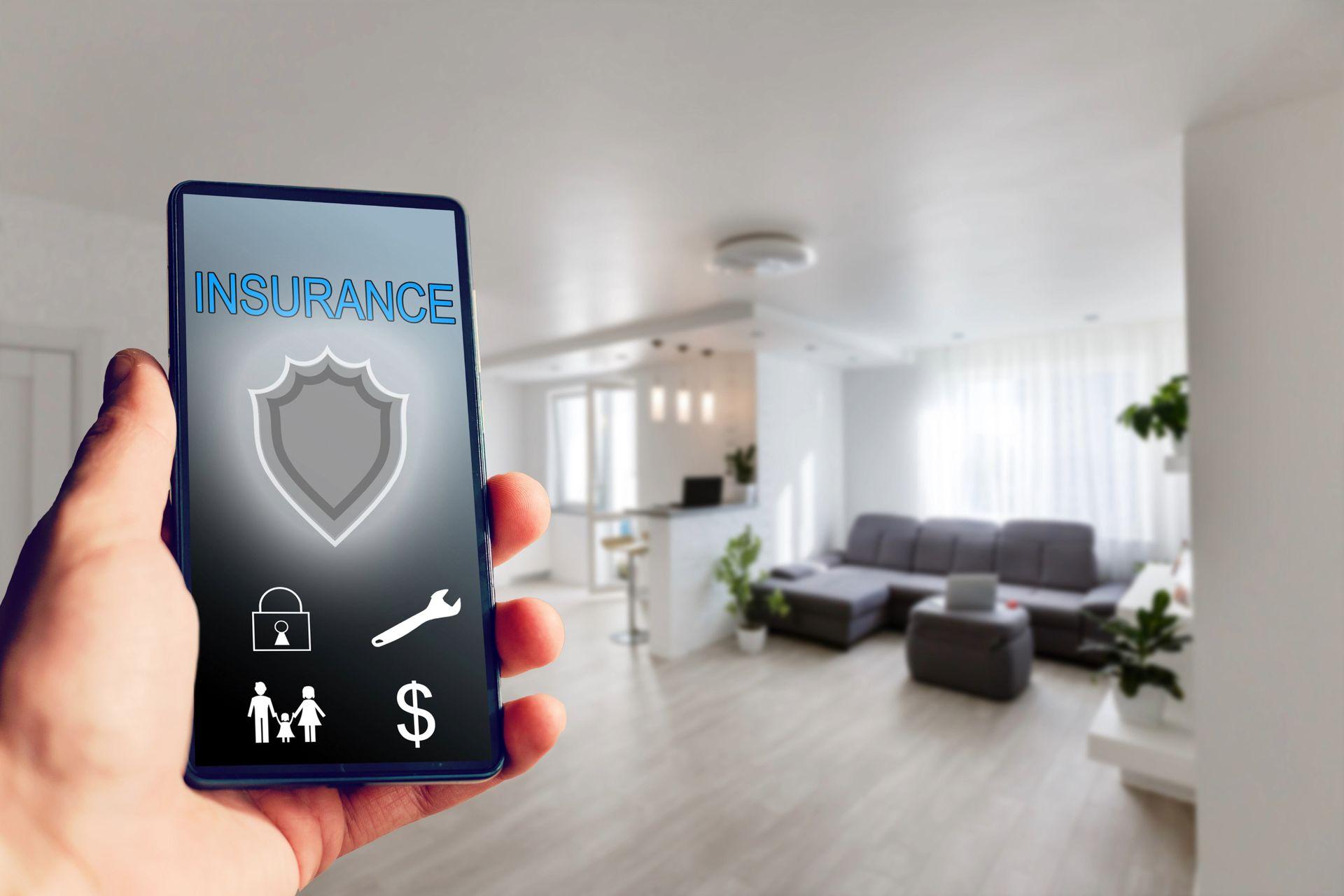
What does "poorly executed" look like in security
• Cameras without coverage of key areas (entrance, parking space, cash register), incorrect angles/focus, lack of night mode.
• Cable chaos: unshielded cables, poor connections, no protective conduits → disturbances and interruptions.
• Alarm system without properly configured motion sensor and magnetic sensors; poorly fixed smoke detector.
• Access control without logs and rights: everyone "has everything," zero traceability.
• NVR/DVR with incompatible disk, full recording, and lack of remote access/notifications.
💡 Practical signal: if there are more false alarms than real events, the system is set up/installed incorrectly.
The True Cost: What You Pay "Hidden"
• Blind spot at a critical moment: the camera does not capture face/license plate → lost evidence.
• False alarms and fines: the "wolf is coming" reaction – people stop believing in the system.
• Lost warranty on equipment: improper installation of cameras or incorrect power supply = warranty voided.
• Reinstallation and work interruption: re-engineering of positions, drilling, painting after intercom system and access control.
• Cyber risks: default open passwords, unprotected network for IP cameras → easy breach.
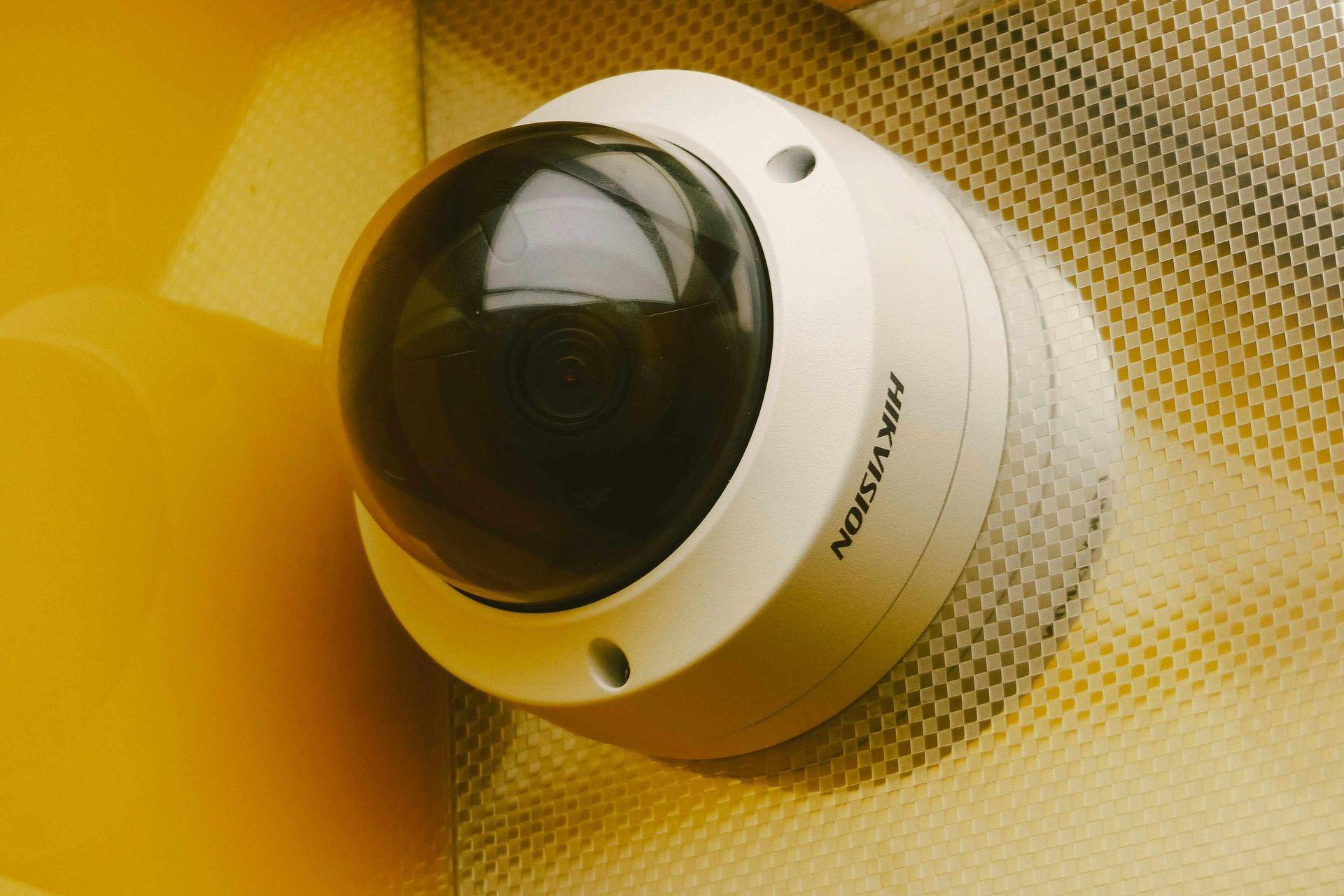
How to recognize quality installation
• Analysis of the site and scenarios: entrance/exit, parking space, poorly lit areas, cash register/storage.
• Test shots and night trial: real examples of face/number in different lighting.
• Clear cable path: protection, labels, spare length; UPS for key devices.
• Logical roles and logs in access control; separate rights for guests/staff.
• Documentation: diagrams, safe passwords, maintenance/update instructions.
How to Compare Offers Fairly
Ask for a breakdown by stages: inspection and positioning, cabling/protection, installation of cameras/sensors, alarm system setup, NVR/DVR configuration, mobile application, testing (day/night), training, documentation, and warranty. Compare not only the number of devices but also: coverage angles, night sensitivity, storage (days/quality), remote access options, SLA in case of emergency.
More on the topic: read Myths about specialists: it's time to get informed, not to guess — useful to avoid "magical" promises.
Common mistakes (and how to avoid them)
• "We'll use the cheapest cameras — the important thing is to have them." Low-budget without proper positioning = a photo without value.
• No testing and training: the system works only with technicians; users do not know how to respond.
• One network for everything: IP cameras on the same Wi-Fi as the guests → lag and risk.
• No archive and updates: old firmware, faulty disks, lack of notifications.
⚠️ Warning: "disabled" web interfaces with default passwords are indexed by bots. Insist on strong passwords and 2FA.
Quick action plan
1. Describe the risks (areas, time, types of incidents) and desires: person/number, perimeter, smart notifications.
2. Take 6–10 photos/short videos of the key locations (day and night).
3. Request 2–3 quotes with the same specifications: items, devices, recording, notifications, access control.
4. Check profiles/reviews and insist on tests and training after installation.
5. Ask the questions from the guide "questions for the master" and fix the warranty/SLA.

Case "step by step": fixing a failed installation
• Problem: 4 external cameras are positioned too high → no faces or license plates. Alarm system with 8 false alarms per week.
• Solution: repositioning near the entrance and parking space; adding infrared lighting; reconfiguring the motion sensor and delay for pets; a separate network for IP cameras, 2FA for the app.
• Result: recognizable faces and numbers; 0 false alarms in 30 days; access control report for visits.
See more: What happens when the master chooses you — the unexpected side of platforms — how trust and responsibility work in a platform environment.
Conclusion:
Security is a system, not just "hardware + application." Poorly executed installation costs you false alarms, missed evidence, and nerves. When you choose a verified specialist who plans, tests, and trains, you get reliable protection and peace of mind every day.